Visual Studio
About
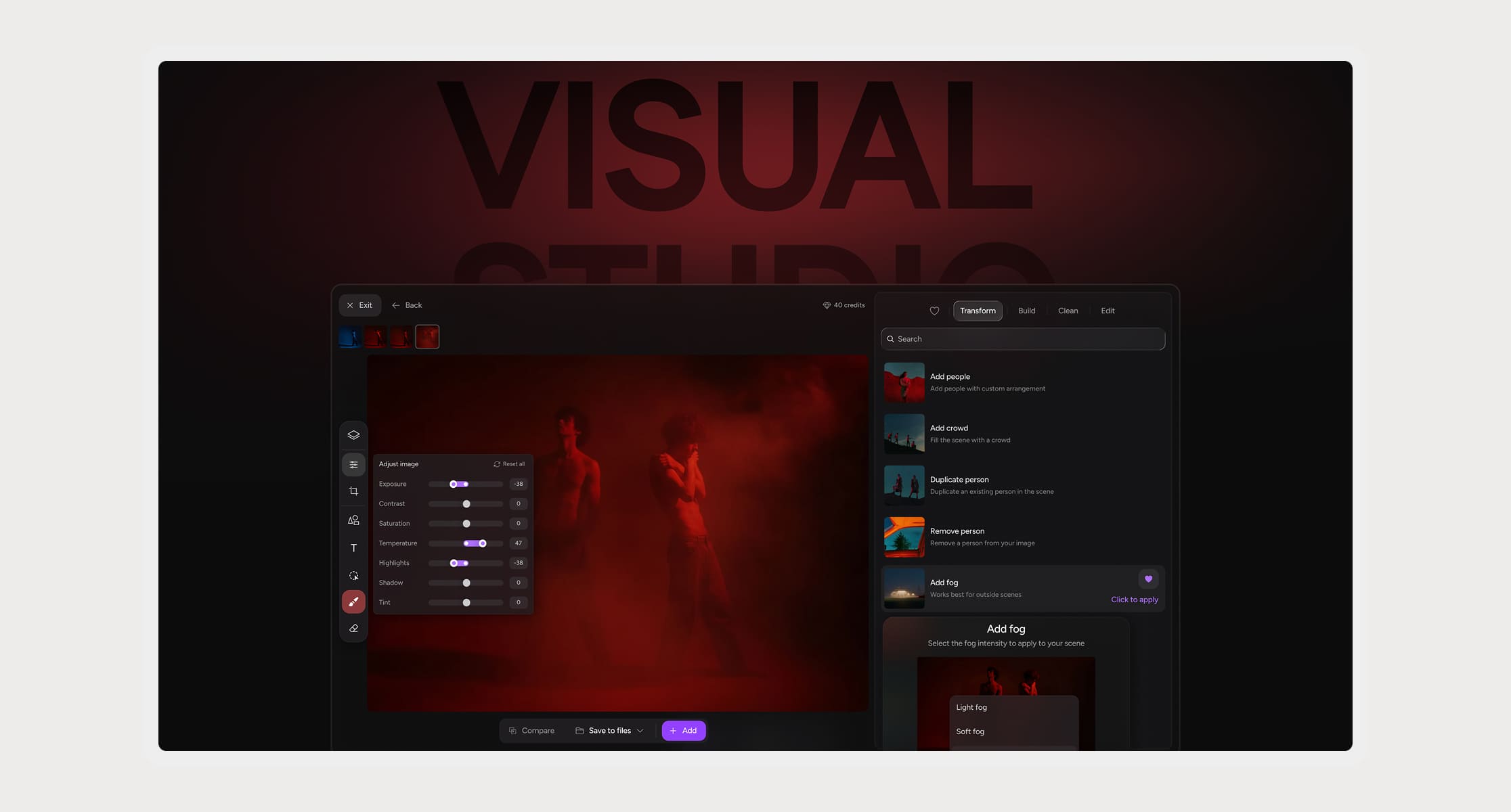
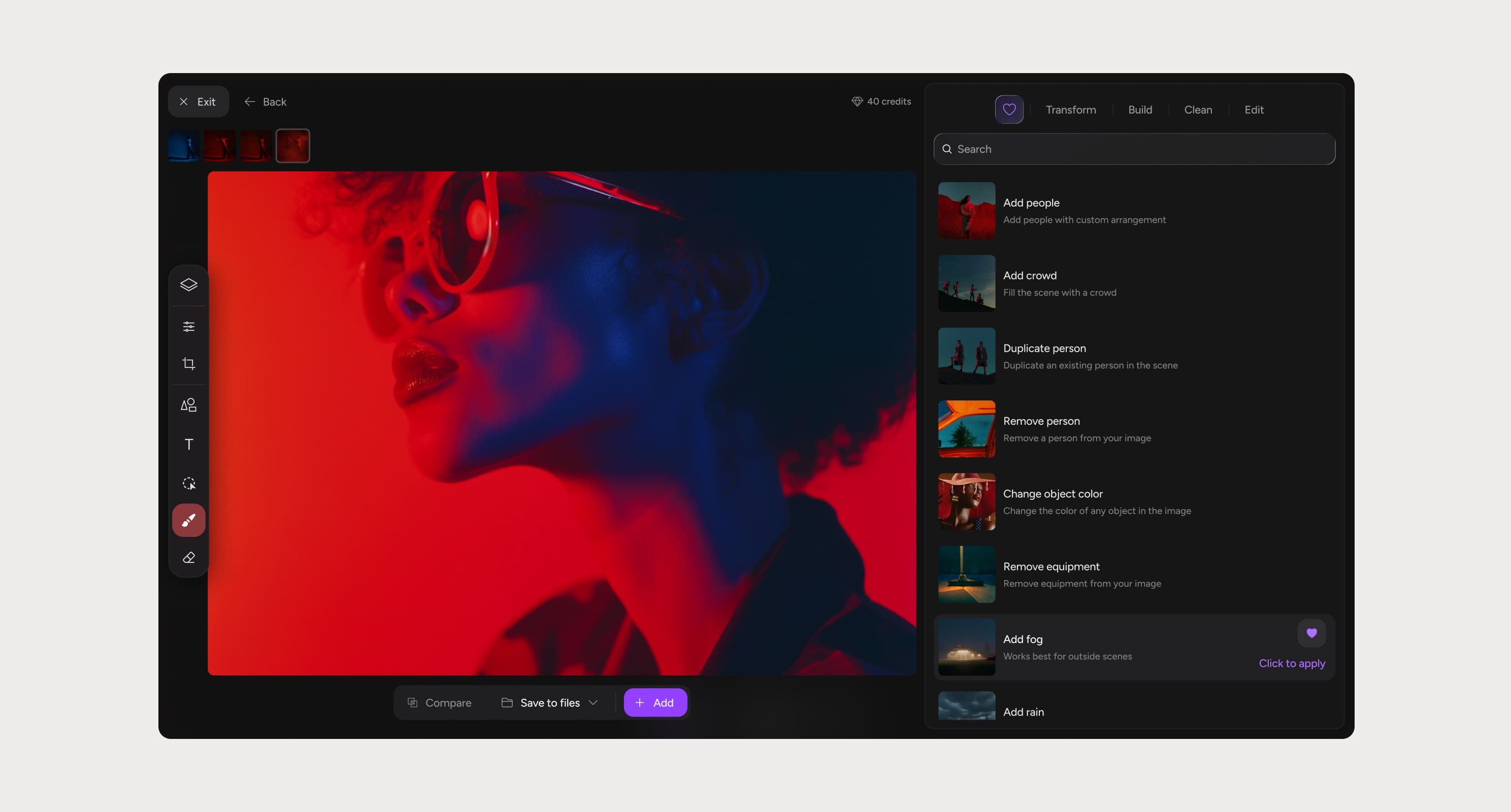
Visual Studio is an AI-powered pre-visualization tool built for creative teams, a browser-based editor that lets any department transform real photos in seconds. No Photoshop, no VFX artist, no technical knowledge required.
Problem ⊙
Pre-production is built on approximation. References are close but never exact. Creative decisions get made on incomplete information, and the gap between what was imagined and what gets shot is where most production problems are born. The tools that existed were either too complex for non-technical users or too generic to be useful for film. Nobody had built something specifically for the way production departments actually think and make decisions.
The preset system
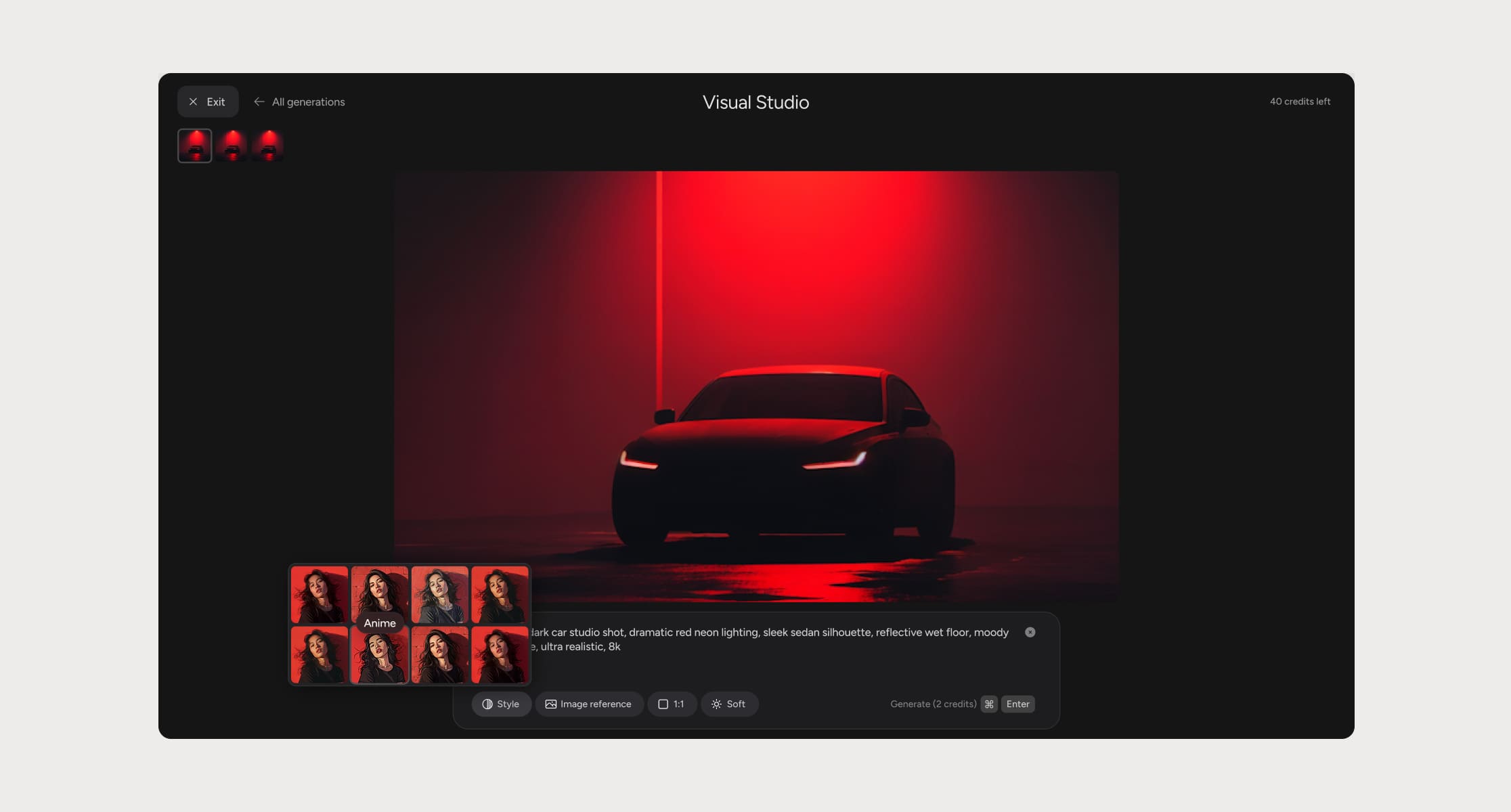
The core design challenge wasn't the editor — it was making AI accessible to people who have never thought about prompts.
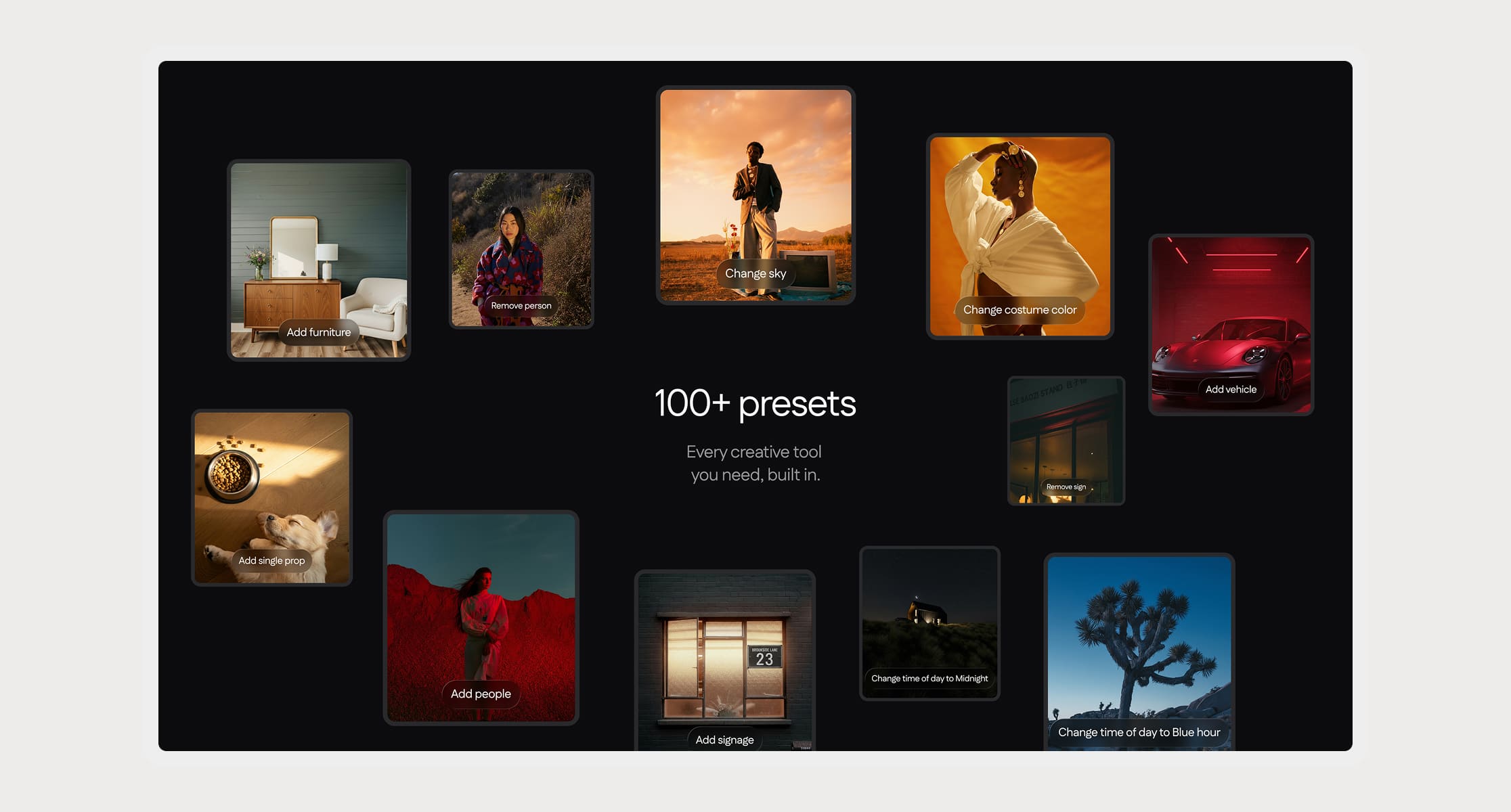
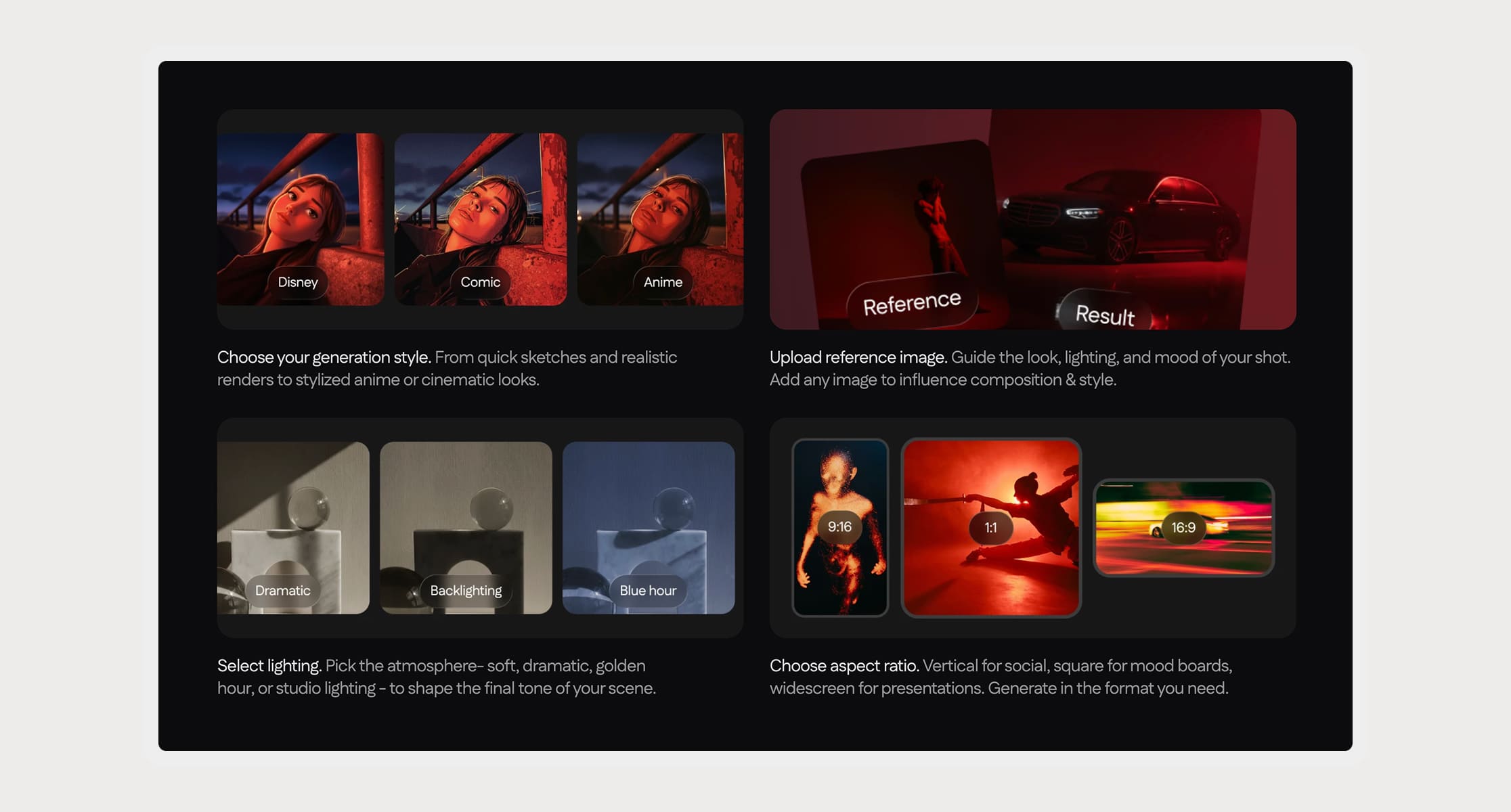
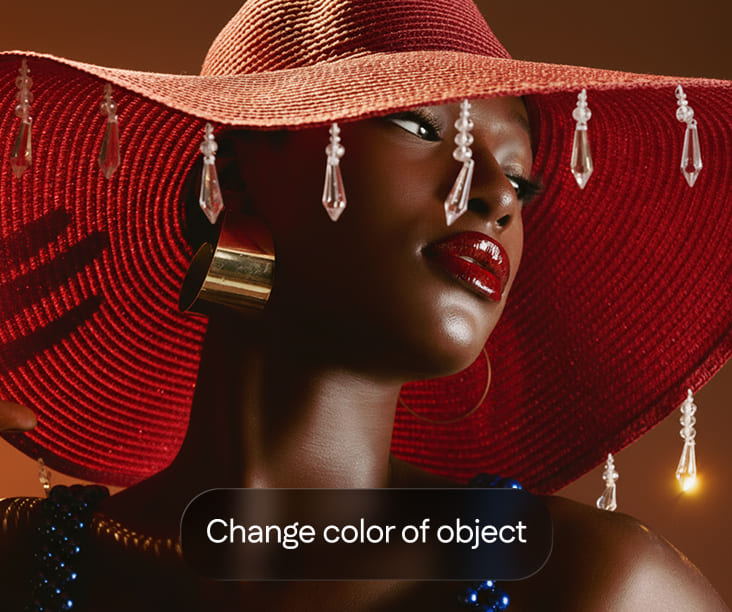
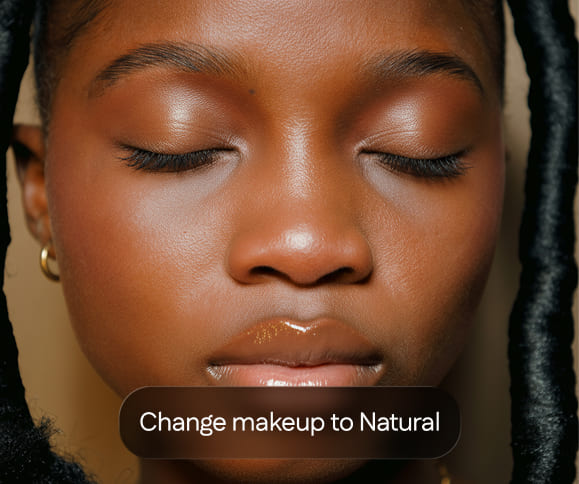
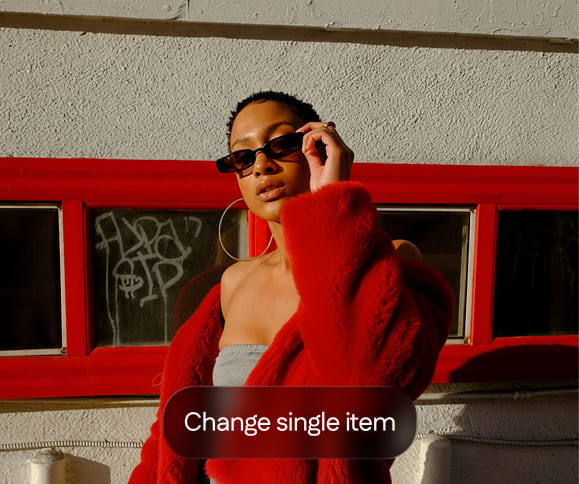
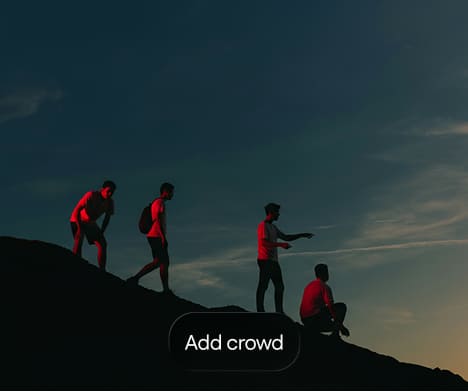
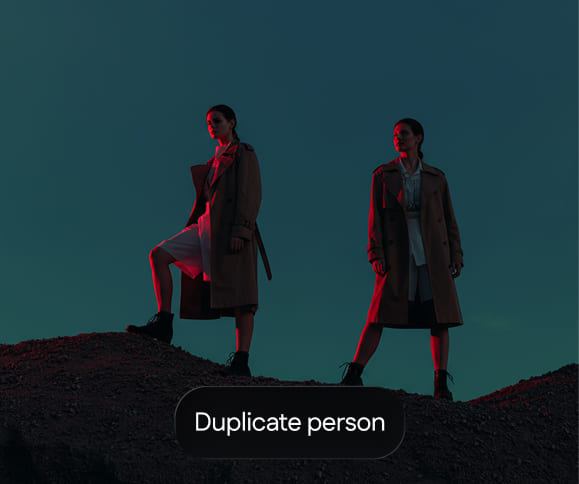
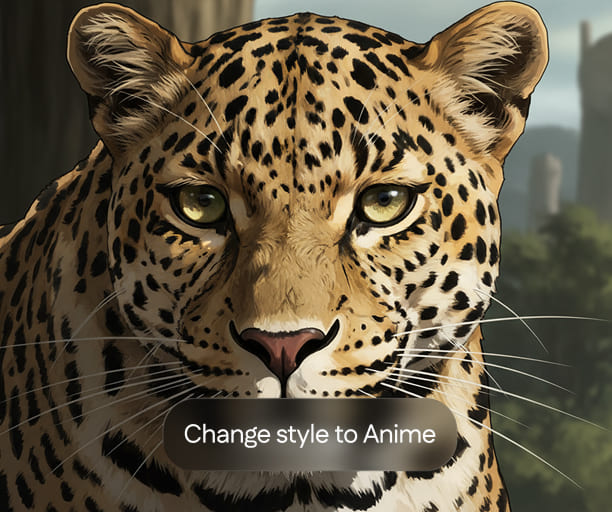
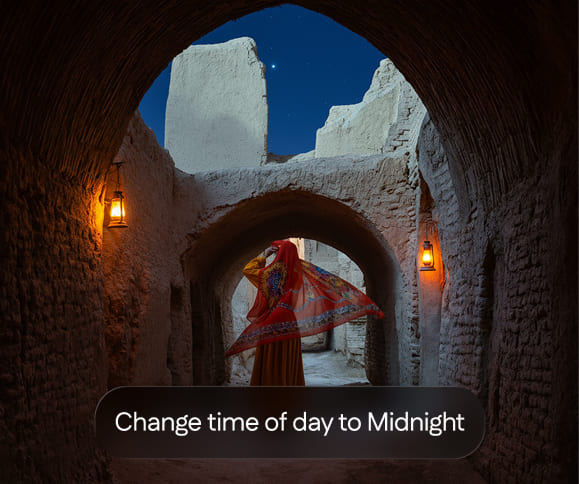
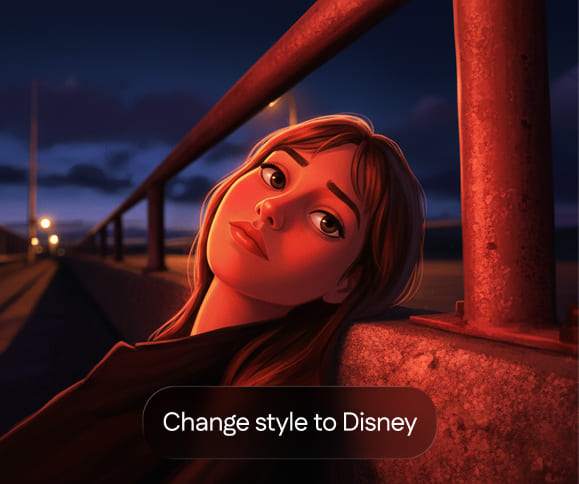
We built 100+ presets with predefined prompt logic built in, each one tuned specifically for film production use cases, tested against real references, and organized by department intent rather than technical category.
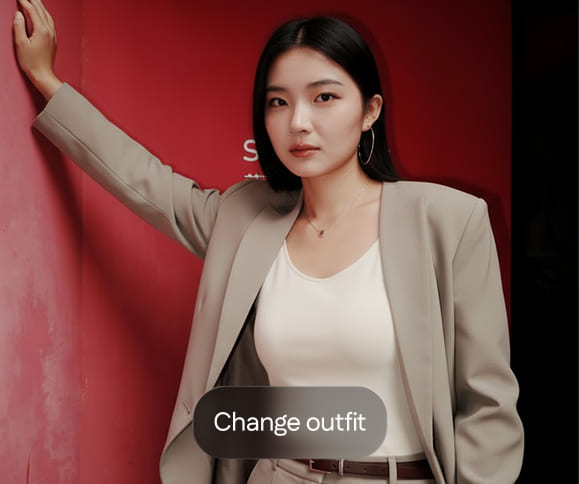
The result
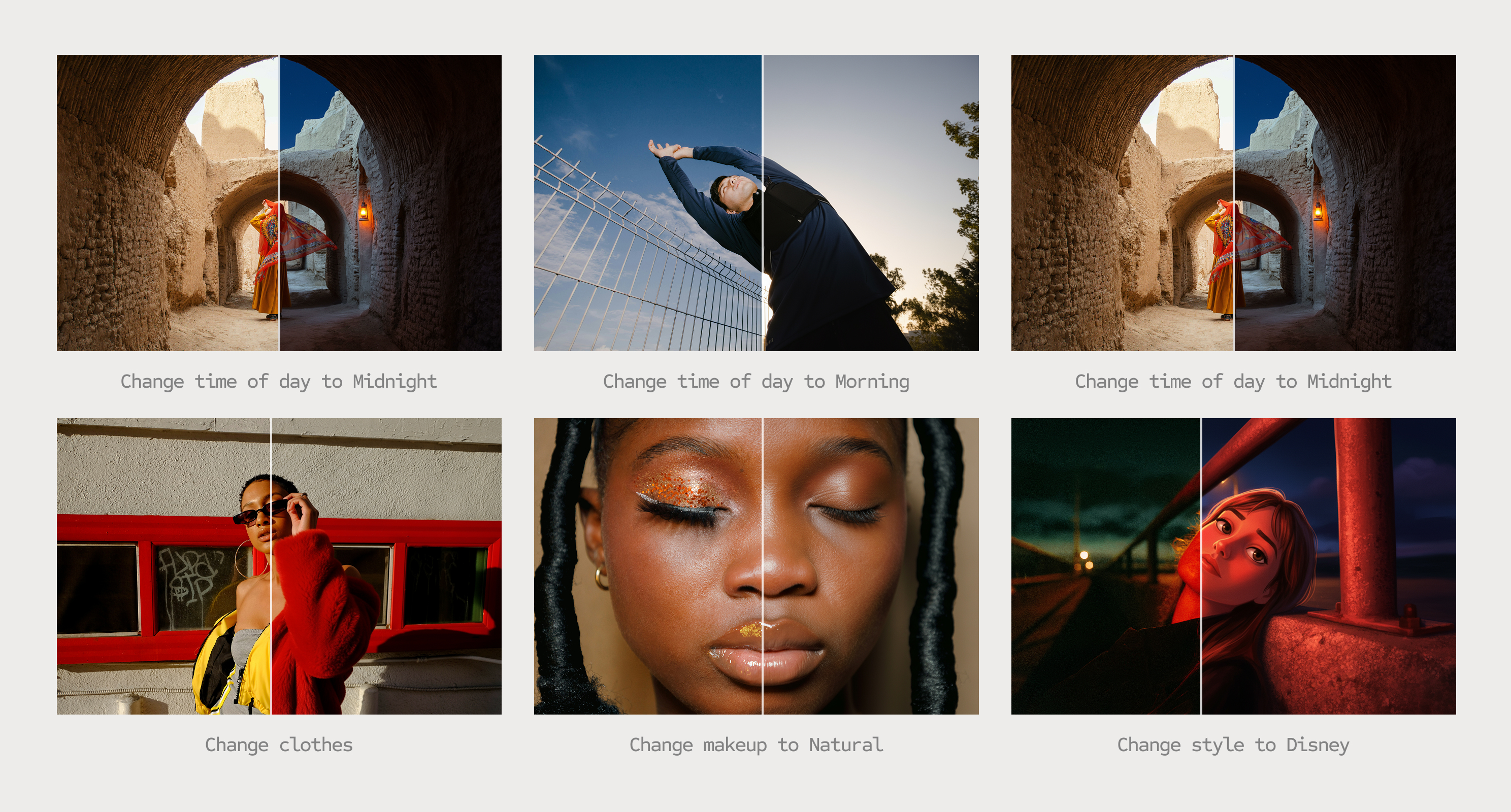
Consistent, production-ready outputs with a single click.
No prompting required.
#1 Use case
Location scouting
A location manager's core problem isn't visualization — it's decision confidence before committing a shoot day to a space. We built the location presets around the actual questions they ask: what does this look at night, in rain, with the specific furniture we're sourcing. Upload a scouting photo, add a reference prop from any website, change the weather or time of day. The output is a production reference, not a mood board.
#2 Use case
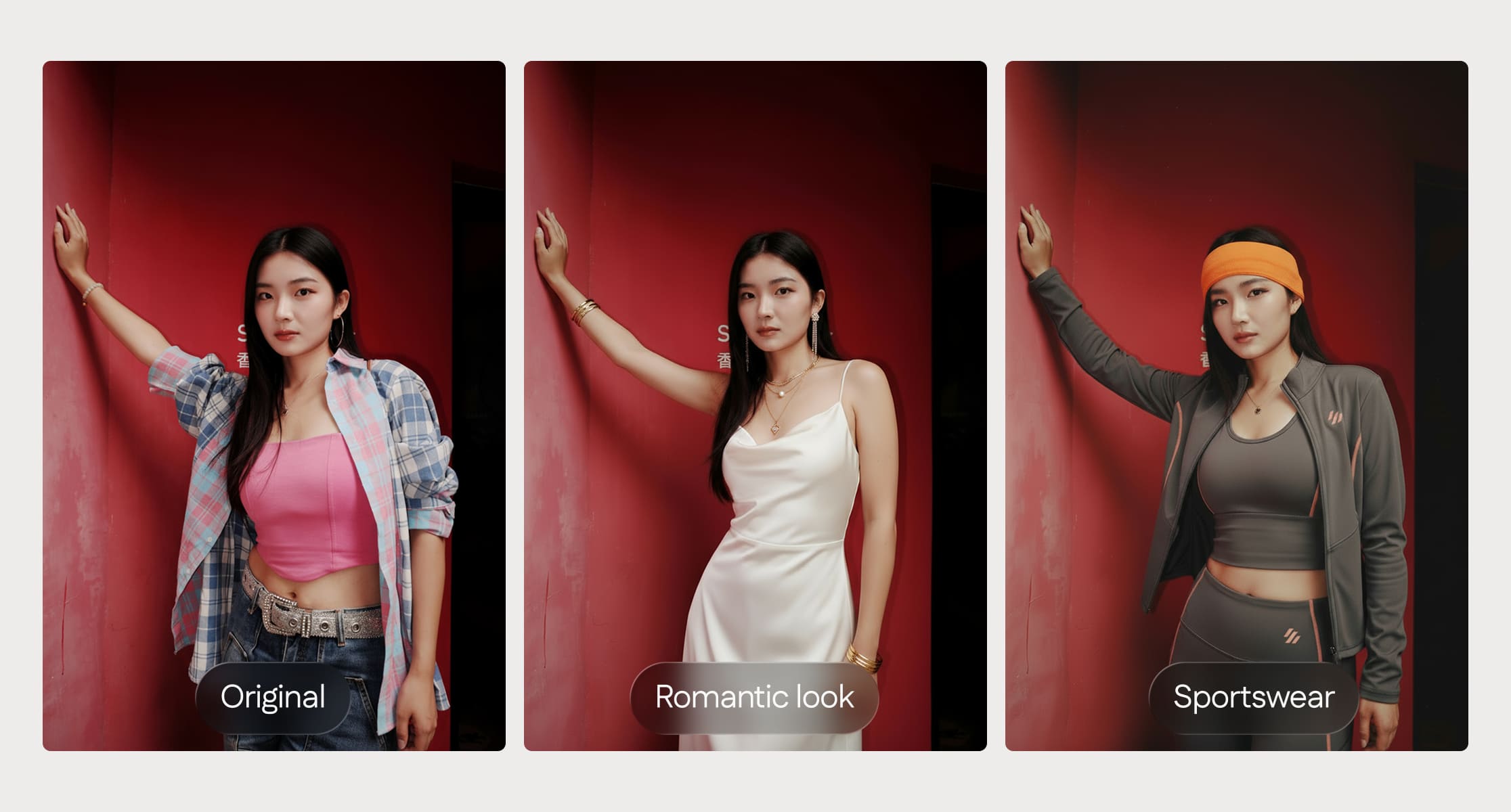
Costume department
The fitting room is expensive and slow & it happens too late in the process, after opinions have already formed. The costume presets were designed to move that decision earlier: place a reference garment on a cast photo with enough accuracy that a director can actually react to it.
#3 Use case
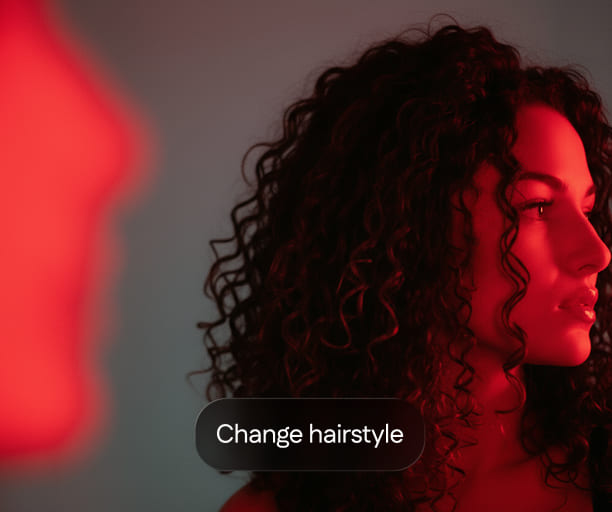
Hair & Makeup
This department works almost entirely from reference images that were never taken of the actual cast. The design decision here was direct replacement — upload a cast photo, apply a look, get an output that's specific enough to use in a brief. One photo, one click, one reference that actually belongs to this production.
.jpg)
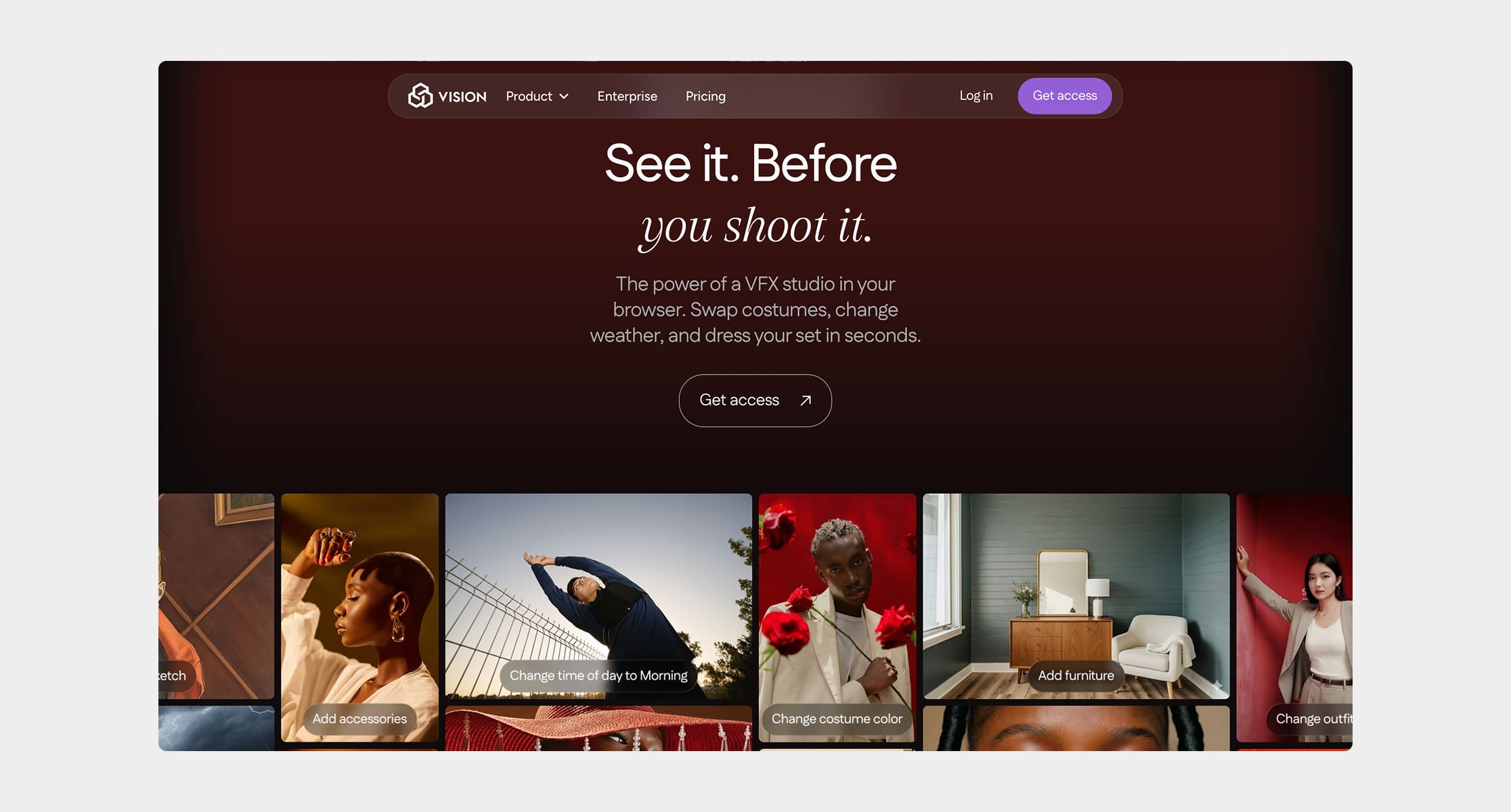
Landing page
The landing page needed to communicate an entirely new category of tool to an audience that didn't know they needed it yet. The challenge was specificity, vague language about "AI image editing" doesn't land with a production designer who has a concrete problem to solve. Every section was written around a real workflow moment.